Gamma, Tome and SlidesAI: Which AI Tools Actually Speed Up Presentation Building
Services such as Gamma, Tome, SlidesAI and Sokratik noticeably speed up slide-deck assembly: they lay out material across slides, pick a design and spare you hours spent on templates. But the review points to a key limitation. Without a solid prompt and a final manual edit, quality quickly runs into logical errors, weak images and a poorly targeted emphasis for the audience.
AI-processed from Habr AI; edited by Hamidun News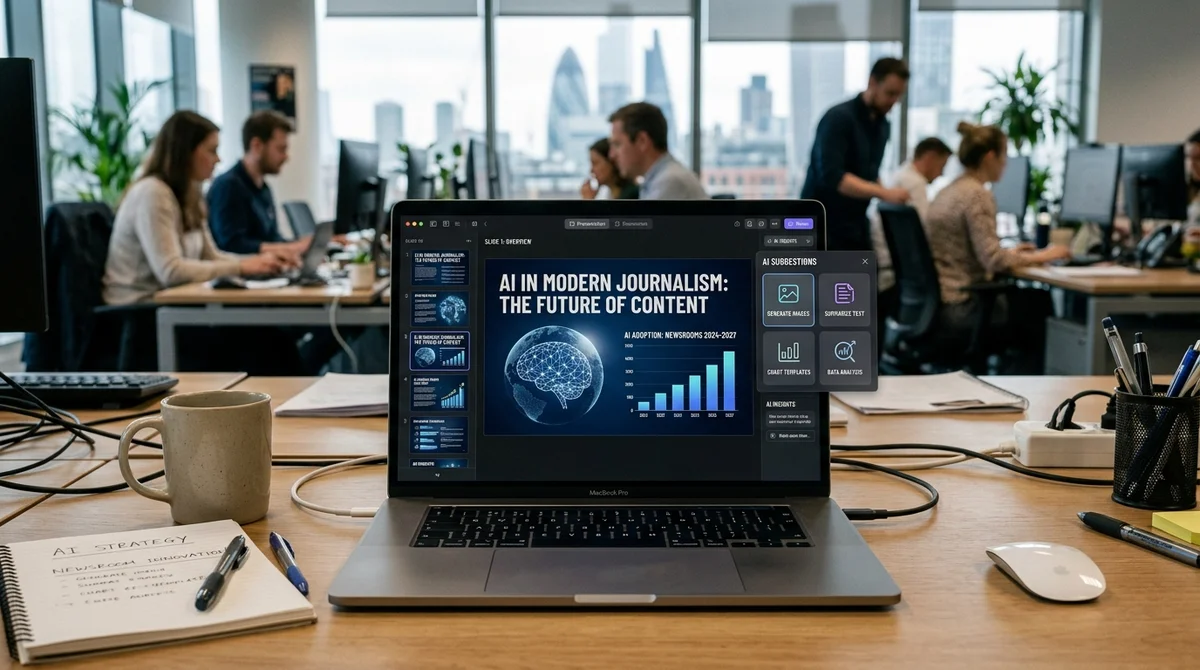
AI presentation tools are no longer just toys for quick demos. Increasingly, they handle a real work task: within minutes they assemble a structure, distribute text across slides and suggest basic visuals. But a review of the popular platforms shows that the time savings don't come automatically. They depend on the quality of the initial request and on the author's willingness to finish the result by hand.
Why use AI for presentations
Preparing a presentation is rarely slowed down by a lack of ideas. Time usually goes to mechanical work: deciding the order of slides, cutting text, choosing a template, placing emphasis and formatting everything so the material doesn't fall apart on screen. This routine is where AI is most useful. It doesn't replace the author, but it removes a big chunk of rough assembly and helps get from a topic to a finished skeleton faster and with less fuss.
That makes these tools especially useful for typical work scenarios: reports for management, product pitches, teaching materials, commercial proposals and internal talks. If the author already has theses or a document, the service can turn them into a clear slide structure. That saves hours on the first pass and lowers the barrier for people who don't want to spend effort on manual layout and hunting for visual rhythm.
Which services are useful
The review covers platforms with different focuses: from "make me a presentation from scratch" to services that work better as an add-on to existing text. The difference between them lies not only in design but in the kinds of tasks where they really save time. Some are better at quickly producing a first skeleton; others turn a long document into a readable set of slides without manual rearranging. That is why a head-to-head comparison based on a single template tells you little here.
- Gamma is one of the fastest options for a draft: it builds the structure, text and basic design itself, and suits short product and project presentations.
- Sokratik is handy when you already have a document, report or text: the service analyzes the material, turns it into slides and can export the result to PDF and PPTX.
- Tome emphasizes narrative logic, not just appearance; it is useful for talks, training and explaining complex ideas without overloaded slides.
- SlidesAI and Magic Slides are good for quickly converting text into Google Slides when you need a working draft that you can then refine by hand at your leisure.
- SlidesGo, Wepik, SlidePoint and StudyAI shine more in scenarios where templates, teaching materials or Russian-language work without lengthy setup matter.
Looking at it more broadly, the services can already be split into three categories. The first is generators of quick concepts, where speed matters. The second is tools that rework finished text or a document into slides. The third is platforms focused on templates and visual design. The choice depends not on the loudness of the brand but on what you actually need: to come up with a structure, to assemble a good-looking first draft, or to neatly package finished material.
Where control is needed
The main limitation is the same for all of these services: they do a decent job at the draft stage but don't guarantee the accuracy and appropriateness of the final version. Auto-generated text often has to be shortened, rewritten or adjusted for a specific audience. Images may be formally suitable yet do little to support the point. And a template that looks impressive on its own isn't always right for an investor meeting, a lecture or an internal report.
To get a decent result, you need to give the neural network a concrete brief: topic, number of slides, style, target audience, presentation format and expected level of detail. The more precise the request, the less junk in the output. For some platforms this is critical, because they build the entire logic of the presentation around the first prompt. Hence a simple conclusion: AI speeds up the start well, but it doesn't remove responsibility for meaning, substance and the final assembly of the slides.
"The best result comes when automatic generation is combined with
manual refinement."
That is why these tools are especially useful not as a "make it perfect" button but as an accelerator for the first version. They help you get off the blank page faster, cut the time spent on structure and avoid spending an evening on templates. But where nuances of argument, a specific tone or complex data visualization matter, the result is still weaker without a human, especially in business presentations, teaching materials and presentations for external clients.
What this means
The AI presentation market is gradually maturing: the services can already save a noticeable amount of time on routine work, especially when you need to quickly put together a clear draft. But the main practical takeaway is simple: the winners are not those who hand the presentation over entirely to a neural network, but those who use it as a helper for structure, first-draft text and basic design, and then finish the material by hand to fit the task, the presentation format, the audience and the context of the talk.
- Nov 2, 2026Arca gives AI agents finance tasks lasting up to 10 days, but leaves the trades to humans
- Oct 29, 2026Tencent releases Youtu-Parsing-Omni: one model parses documents, audio and video
- Oct 28, 2026Wired Tested 6 AI Agents in a Day: Dots Leads, Gemini Spark Fails at Lunch
- Oct 28, 2026Gemini 4 Carbon Tops the Artificial Analysis AI Model Ranking With a Score of 59
Key Questions Answered
Why use AI for presentations?
Preparing a presentation is rarely slowed down by a lack of ideas. Time usually goes to mechanical work: deciding the order of slides, cutting text, choosing a template, placing emphasis and formatting everything so the material doesn't fall apart on screen. This routine is where AI is most useful. It doesn't replace the author, but it removes a big chunk of rough assembly and helps get from a topic to a finished skeleton faster and with less fuss. That makes these tools especially useful for typical work scenarios: reports for management, product pitches, teaching material
Which services are useful?
The review covers platforms with different focuses: from "make me a presentation from scratch" to services that work better as an add-on to existing text. The difference between them lies not only in design but in the kinds of tasks where they really save time. Some are better at quickly producing a first skeleton; others turn a long document into a readable set of slides without manual rearranging. That is why a head-to-head comparison based on a single template tells you little here. Gamma is one of the fastest options for a draft: it builds the structure, text and basic
Where control is needed?
The main limitation is the same for all of these services: they do a decent job at the draft stage but don't guarantee the accuracy and appropriateness of the final version. Auto-generated text often has to be shortened, rewritten or adjusted for a specific audience. Images may be formally suitable yet do little to support the point. And a template that looks impressive on its own isn't always right for an investor meeting, a lecture or an internal report. To get a decent result, you need to give the neural network a concrete brief: topic, number of slides, style, target au
Test Frontier LLMs & Autonomous Agents in One Workspace
Run Claude Opus 5.5, GPT-6, Gemini 3.1, and DeepSeek side-by-side in Nomad AI (nomadnet.ai) — unified model routing, deep research, and multimodal workflows under one subscription.
The AI world, distilled — once a week
Seven stories that actually mattered, hand-picked. No noise, no reposts, no press releases.
Done! Check your inbox for a confirmation.