How to automate reading engineering drawings: 6 YOLO models instead of manual work
A system of 6 YOLO models and custom OCR automatically extracts all parameters that affect cost from engineering drawings: dimensions, threads, material, tolerance grades. The pipeline turns PDF into structured JSON for a production cost calculator. Everything works without manual data entry.
AI-processed from Habr AI; edited by Hamidun News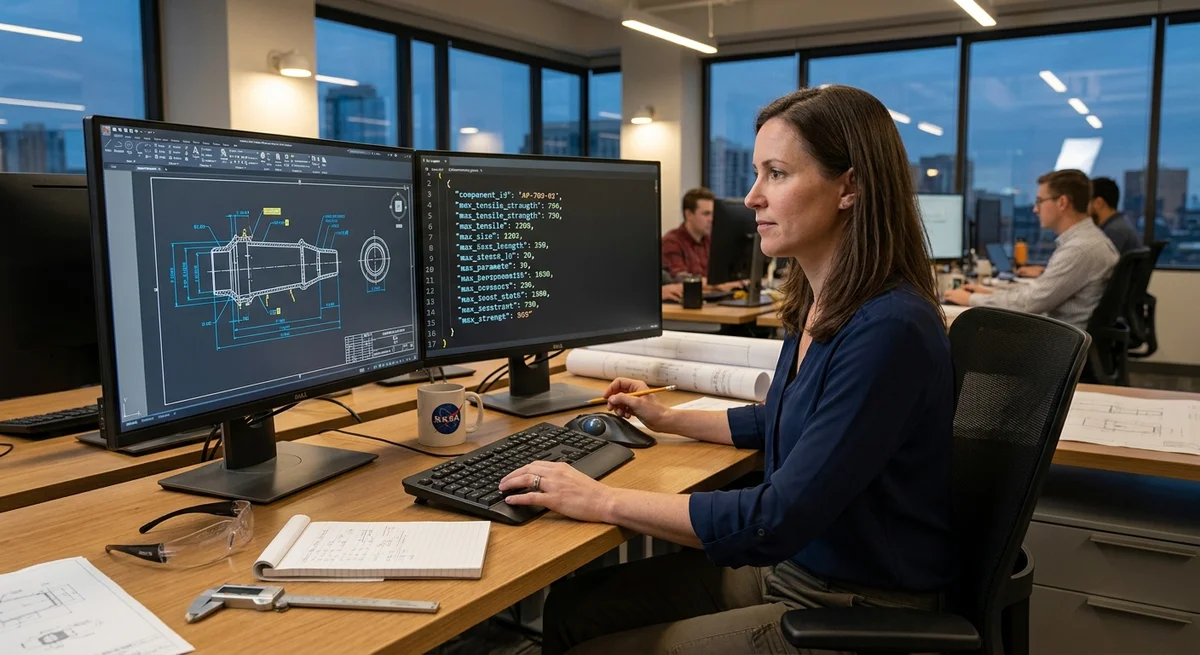
Extracting data from engineering drawings manually is a tedious job prone to errors. When ordering custom part manufacturing, you need to manually enter approximately 20 parameters from the drawing into a calculator: dimensions, threads, tolerances, surface roughness, allowances, material, weight. One engineering team assembled an automated pipeline that takes a PDF drawing, reads it like a human would, and extracts everything needed in structured form. The output is JSON for the calculator.
Solution Architecture
The system works in three steps: data localization, text recognition, result synthesis. A PDF drawing comes in, JSON with parameters comes out. Intermediate stages:
- Resolution and contrast normalization
- Projection extraction (front, side, top views)
- Separation of part outline from auxiliary lines
- Localization of text fields and dimension arrows
- Symbol recognition (thread, tolerance, surface roughness)
- Linking arrows to their values through a connectivity graph
Pipeline Components
Six specialized YOLO models are used for computer vision. Each is trained on a subset of 500+ real production drawings:
1. Projection detection — finds front, side, top views in the drawing. 2. Dimension localization — highlights all dimension arrows and text fields. 3. Special symbol recognition — reads thread designations (M10), tolerance grades (IT6), surface roughness (Ra 3.2). 4. Part outline — separates the visible outline from auxiliary lines. 5. Auxiliary lines — finds centerlines and auxiliary construction elements. 6. Arrows and pointers — localizes all types of arrows and associated text values.
Custom OCR is connected to YOLO — standard solutions struggle reading handwritten notes and special symbols like ∅ (diameter) and thread designation conventions. The neural network was trained on a dataset with expert annotations. Arrow logic is a weighted graph: if an arrow starts at point A, passes through geometric object B, and ends near text C, then value C belongs to object A. In practice it's more complex: arrows can be dashed, S-shaped, multiple arrows can point to one location, causing ambiguity.
Reality Gets in the Way
Testing on production drawings revealed problems that don't exist in ideal datasets:
- Dirty scans — drawings from 20 years ago, scans from copy machines, water stains, random pencil marks.
- Typographic liberties — threads can be written as "Ø10×1.5", "M10" or even drawn as a spring.
- Colored annotations — dimensions highlighted in red pen, but OCR often filters red lines as noise.
- Overcrowded sheets — 30+ dimensions on one drawing, arrows intersect, creating confusion.
The solution came from data augmentation: synthetic drawings were generated with added noise, garbage, contrast changes, and old scan imitation. After training on the expanded dataset, quality on dirty drawings improved from 68% to 92%.
What This Means
Automating drawing reading is an example of how human labor is replaced by a combo of publicly available tools (YOLO) + engineering logic (arrow graph) + specialized tuning. For manufacturing, it's a 15x speedup: instead of 30 minutes of manual input — 2 minutes on autopilot. For business — faster delivery of quotes without manual data entry.
Key Questions Answered
What are the key details on Solution Architecture?
The system works in three steps: data localization, text recognition, result synthesis. A PDF drawing comes in, JSON with parameters comes out. Intermediate stages: Resolution and contrast normalization Projection extraction (front, side, top views) Separation of part outline from auxiliary lines Localization of text fields and dimension arrows Symbol recognition (thread, tolerance, surface roughness) Linking arrows to their values through a connectivity graph
What are the key details on Pipeline Components?
Six specialized YOLO models are used for computer vision. Each is trained on a subset of 500+ real production drawings: 1. Projection detection — finds front, side, top views in the drawing. 2. Dimension localization — highlights all dimension arrows and text fields. 3. Special symbol recognition — reads thread designations (M10), tolerance grades (IT6), surface roughness (Ra 3.2). 4. Part outline — separates the visible outline from auxiliary lines. 5. Auxiliary lines — finds centerlines and auxiliary construction elements. 6. Arrows and pointers — localizes all types of a
What are the key details on Reality Gets in the Way?
Testing on production drawings revealed problems that don't exist in ideal datasets: Dirty scans — drawings from 20 years ago, scans from copy machines, water stains, random pencil marks. Typographic liberties — threads can be written as "Ø10×1.5", "M10" or even drawn as a spring. Colored annotations — dimensions highlighted in red pen, but OCR often filters red lines as noise. Overcrowded sheets — 30+ dimensions on one drawing, arrows intersect, creating confusion. The solution came from data augmentation: synthetic drawings were generated with added noise, garbage, contra
Ship AI Faster with Founders, Engineers & Weekly Architecture Reviews
Inside Vibe Club (hamidun.com/club) — weekly live masterminds with Zhemal Khamidun, Tech Radar, full LMS access, and 370+ production Claude Code skills.
The AI world, distilled — once a week
Seven stories that actually mattered, hand-picked. No noise, no reposts, no press releases.
Done! Check your inbox for a confirmation.