GitHub Copilot Remote Control: Keep Working From Your Phone
GitHub has made Remote Control for Copilot generally available. Developers can now start coding in VS Code or the CLI, then continue on an iPhone or Android phone through GitHub Mobile or the website. The session syncs completely.
AI-processed from GitHub Blog; edited by Hamidun News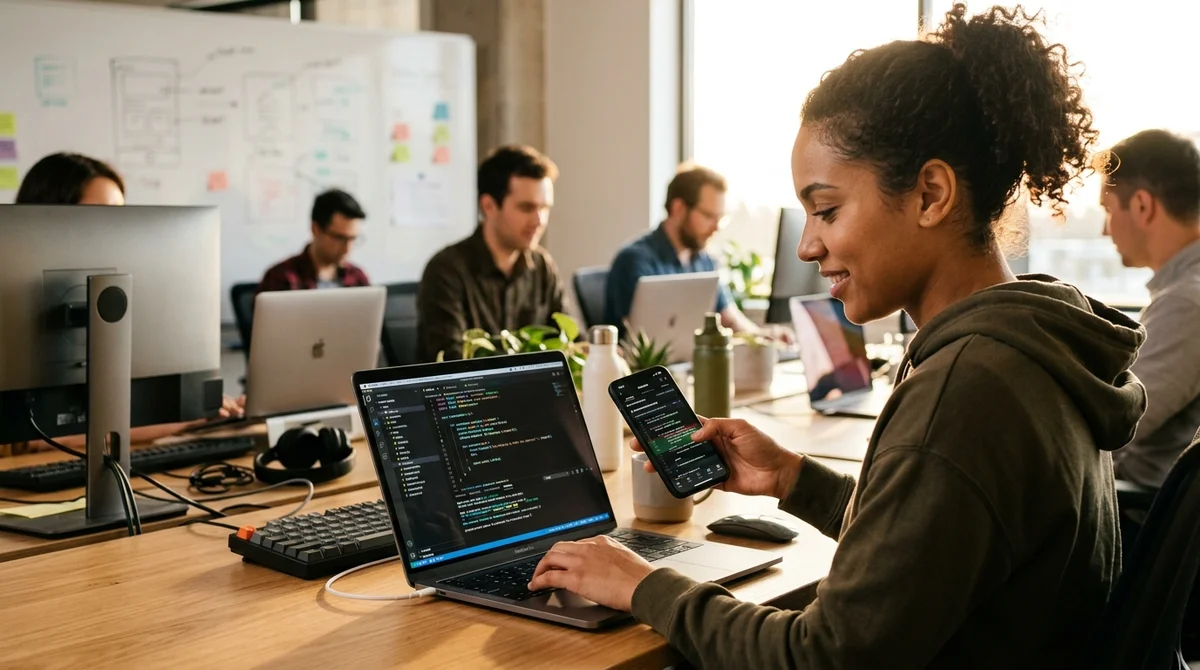
GitHub has made Remote Control for Copilot generally available, letting developers sync coding sessions between their local tools and mobile devices. In practice, you can start a task in VS Code on your laptop and finish it on your phone during your commute.
How Remote Control works
The new feature lets you start working in VS Code or the GitHub CLI, then continue on an iPhone or Android phone through GitHub Mobile or the github.com web version. The session saves automatically and syncs completely: you see the same context, the same history, and all the same Copilot suggestions as in your main IDE.
When you move from laptop to phone, your full interaction history with the AI assistant comes along. If Copilot suggested a solution on your work machine, it stays in context on your phone too. Instead of working in fragments and starting over, you can pick up your train of thought where you left it.
This is especially handy when you're on the go, when you want to check a code review on your phone without pulling out your laptop, or when you need to respond quickly to a critical bug. Developers are no longer tied to their desks — their coding context follows them.
Supported platforms
- VS Code (local IDE)
- GitHub CLI (command line)
- GitHub Mobile (iOS and Android)
- GitHub.com (web browser on any device)
- JetBrains IDEs (support is being added)
Sync happens in real time: when you switch devices, all session information updates on the fly. Sessions are stored in GitHub's cloud in compliance with all security and privacy standards.
Who benefits
The feature is particularly relevant for freelancers and remote developers who change workplaces often. You can start a code review at the office, continue at a café, and finish at home with your context fully intact. If you juggle multiple projects, you no longer have to switch between tabs every time.
This isn't just moving code.
It's moving your entire working session, including your history with Copilot.
There are more critical scenarios, too. You're on the road and get an alert about a production issue. Previously, you had to wait until you got back to your laptop. Now you pull out your phone, open GitHub Mobile, and your session resumes exactly where you left it.
What it means
GitHub keeps blurring the line between local and cloud development environments. Remote Control isn't only about convenience; it reflects a philosophy: tools should adapt to how developers work, not the other way around. Hybrid development is no longer the exception — it's the norm, and GitHub has recognized that.
- Nov 1, 2026Google's StreamVibe video agent beats other models by 10.7% on response timing and quality
- Oct 30, 2026Mistral opens Large 4 weights: strong at code, but Chinese models score 32 to its 26
- Oct 30, 2026128 AI Agents With No Boss Passed 49% More Tests Than One
- Oct 29, 2026Stanford AI tool verifies part of Signal's code in half a day for under $500, versus five months of expert work
Key Questions Answered
How Remote Control works?
The new feature lets you start working in VS Code or the GitHub CLI, then continue on an iPhone or Android phone through GitHub Mobile or the github.com web version. The session saves automatically and syncs completely: you see the same context, the same history, and all the same Copilot suggestions as in your main IDE. When you move from laptop to phone, your full interaction history with the AI assistant comes along. If Copilot suggested a solution on your work machine, it stays in context on your phone too. Instead of working in fragments and starting over, you can pick
What are the key details on Supported platforms?
VS Code (local IDE) GitHub CLI (command line) GitHub Mobile (iOS and Android) GitHub.com (web browser on any device) JetBrains IDEs (support is being added) Sync happens in real time: when you switch devices, all session information updates on the fly. Sessions are stored in GitHub's cloud in compliance with all security and privacy standards.
Who benefits?
The feature is particularly relevant for freelancers and remote developers who change workplaces often. You can start a code review at the office, continue at a café, and finish at home with your context fully intact. If you juggle multiple projects, you no longer have to switch between tabs every time. This isn't just moving code. It's moving your entire working session, including your history with Copilot. There are more critical scenarios, too. You're on the road and get an alert about a production issue. Previously, you had to wait until you got back to your laptop. Now
Build & Ship Production AI Agents Without Boilerplate Code
Start your free 72-hour trial at Hamidun Academy (academy.hamidun.com) — interactive lessons on Claude Code & Cursor, live Tech Radar, and production agent templates.
The AI world, distilled — once a week
Seven stories that actually mattered, hand-picked. No noise, no reposts, no press releases.
Done! Check your inbox for a confirmation.